A Guide For Our Clients

How We Work Together

From the first conversation to the monthly rhythm of shooting, editing, and posting, here's exactly what happens at each stage, and what we'll need from you along the way.

Real shoots. Real edits. Real people behind every video.
Client laughing with the Tidal Media Co. crew on set
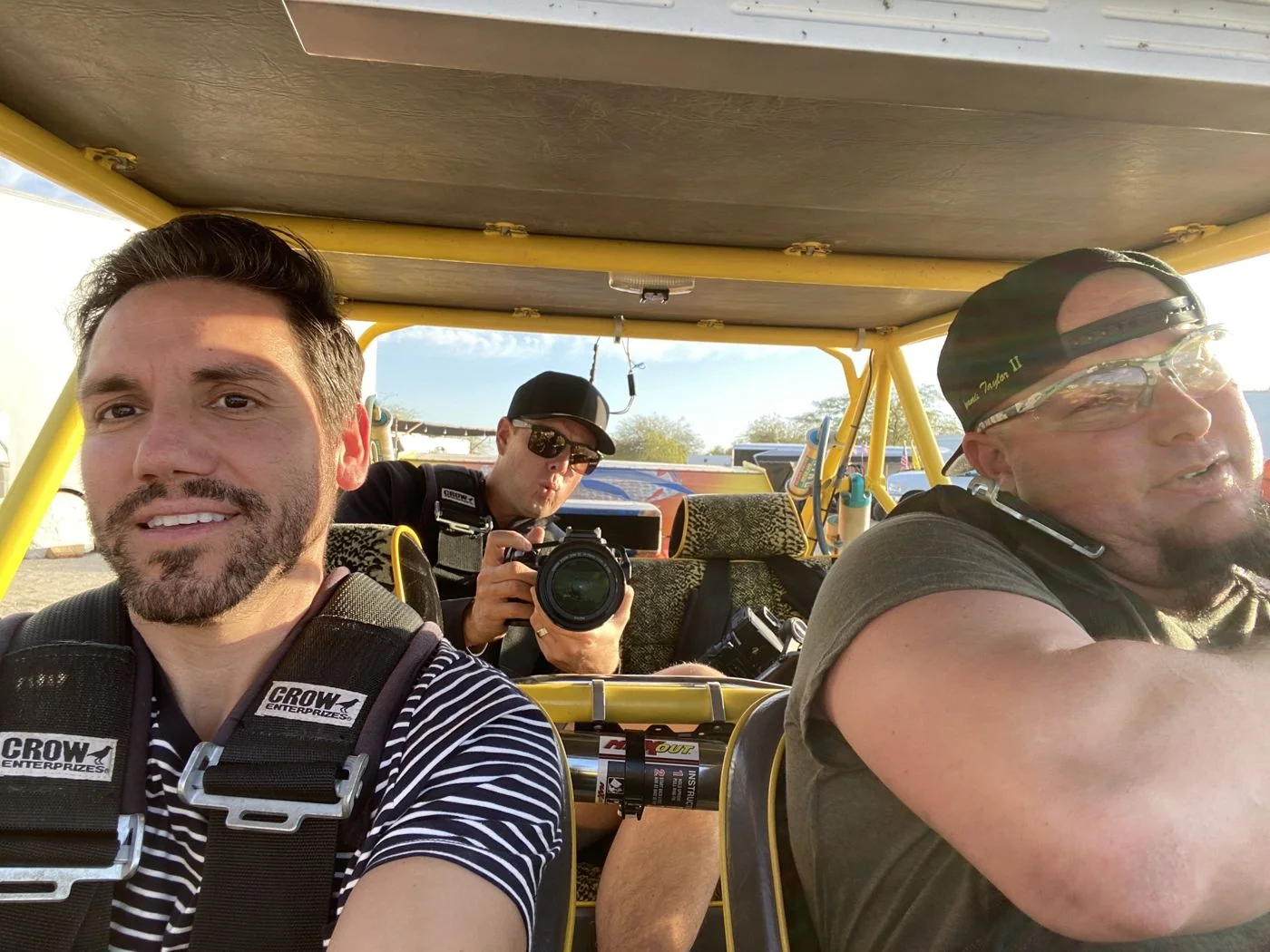
Directing a shoot on location
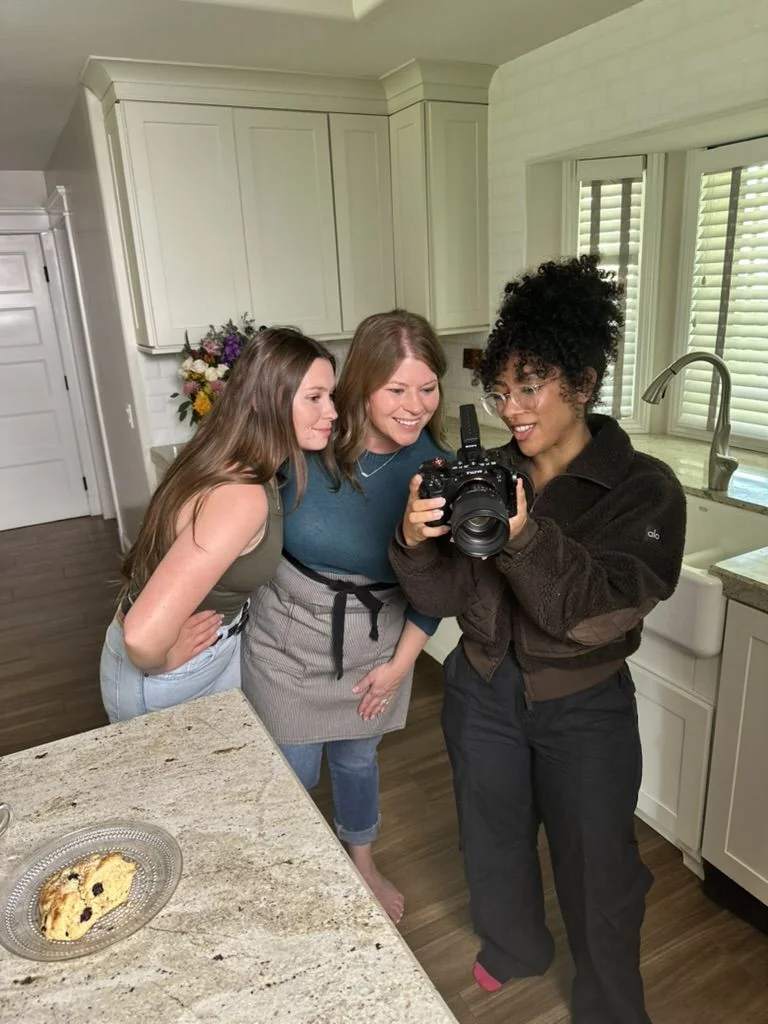
Reviewing footage with a client
Tidal Media Co. crew on location
Behind the scenes with our clients
Our Process

From first hello to first shoot.

Fifteen steps, three phases. Nothing here needs you to remember anything, we'll prompt you at each point along the way.

Getting to know each other

Steps 1–3

Getting everything set up

Steps 4–10

Let's make something

Steps 11–15

Getting to know each other

1

A custom brief, before we even talk

We put together a short brief on your business and what a video strategy could look like for you. You'll get this before our first call, so we can spend that time on what actually matters to you instead of covering ground you've already read.

2

Discovery call

A 30-minute conversation about your business, where you are with content today, and whether working together makes sense for both of us.

3

A quick follow-up

We'll follow up by email after the call. If you're ready to move faster, you can also book a short 15-minute call directly to lock in scope before any paperwork goes out.

Getting everything set up

4

Contract

Once you're ready to move forward, we send over the contract for review and signature.

5

First invoice

We'll send your first invoice directly. Work begins once it's paid.

6

Recurring billing

Your recurring monthly invoice gets set up for the length of the agreement, so billing runs quietly in the background from here on.

7

Onboarding form

A short questionnaire covering your brand voice, your audience, who you admire in your space, and what success actually looks like for you. This shapes almost everything we make afterward, so real, specific answers here go a long way.

8

Your content board comes to life

We build out your Trello board: a running library of research and hooks, a full bank of video ideas, and a monthly lineup of what's actually getting made. You'll get a walkthrough of this before it's ever handed over.

9

Connecting your accounts

We'll get your social accounts connected to our scheduling platform. The full instructions for this live further down this page.

10

A video walkthrough

A short recorded video walking through exactly how the Trello board, the review process, and scheduling all fit together, so nothing about the system is a mystery once we're moving.

Let's make something

11

First strategy call

A 60-minute call where we go through the content board together and land on a shoot date and location.

12

Picking what we film

On that same call, we choose which video ideas are actually getting made this round.

13

We shoot

On the agreed date, wherever makes sense for the content.

14

Editing

Our editors take it from here.

~1 wk typical turnaround before your video is ready to review
15

Review, then it goes live

The finished video lands in your Frame.io folder. If we don't hear from you, it moves straight to scheduling. From here, the whole loop starts again the following month.

48 hrs window to leave revisions before it moves to scheduling
Connecting Your Accounts

Connecting your social accounts to SocialPilot.

To post on your behalf, we need your accounts connected to SocialPilot, our scheduling platform. You'll authorize everything yourself, directly through each platform's own login screen, so you never need to send us a password.

Before you start

  • Your Instagram needs to be a Business or Creator account, not a personal profile.
  • That Instagram account needs to be linked to a Facebook Page, with Admin or Editor access on that Page.
  • If you're posting from a LinkedIn Company Page rather than a personal profile, you'll need admin access to that page.
  • Have your login info handy for each platform below. You'll be logging in directly, not sharing it with us.

LinkedIn

  1. Click "Connect" next to LinkedIn.
  2. Posting from your personal profile: log in and approve the requested permissions.
  3. Posting from a Company Page: confirm you're an admin, then select the page from the list and approve.

Instagram

  1. Click "Connect" next to Instagram.
  2. Log in with the Facebook account tied to your Instagram Business profile.
  3. Select the Facebook Page linked to your Instagram account.
  4. Approve all requested permissions. SocialPilot needs full access to publish and view analytics.

X

  1. Click "Connect" next to X.
  2. Log in with your account and approve the authorization request.

YouTube

  1. Click "Connect" next to YouTube.
  2. Log in with the Google account tied to your channel.
  3. Select the channel you want to connect and approve the requested permissions.

TikTok

one extra step
  1. Click "Connect" next to TikTok.
  2. Log in and approve all requested permissions, including video publishing and analytics access. Don't decline any of these, TikTok needs the full set for the connection to work.
  3. Once connected, refresh the account inside SocialPilot to turn on Direct Publishing. This lets posts go live automatically at the scheduled time, no notification or manual tap needed.

Good to know: SocialPilot also offers a Mobile Reminder option as a fallback, sending a push notification at post time that needs a manual tap to publish. We'll use Direct Publishing by default so nothing depends on catching a notification in real time, but the fallback stays available if you ever want more manual control over a specific post.

Once everything's connected

You're all set. From here, we handle scheduling, captions, and posting, with everything shared for your approval before it goes live. Questions on any step? Just reach out, we're happy to walk through it together.